
InvoiceDrop
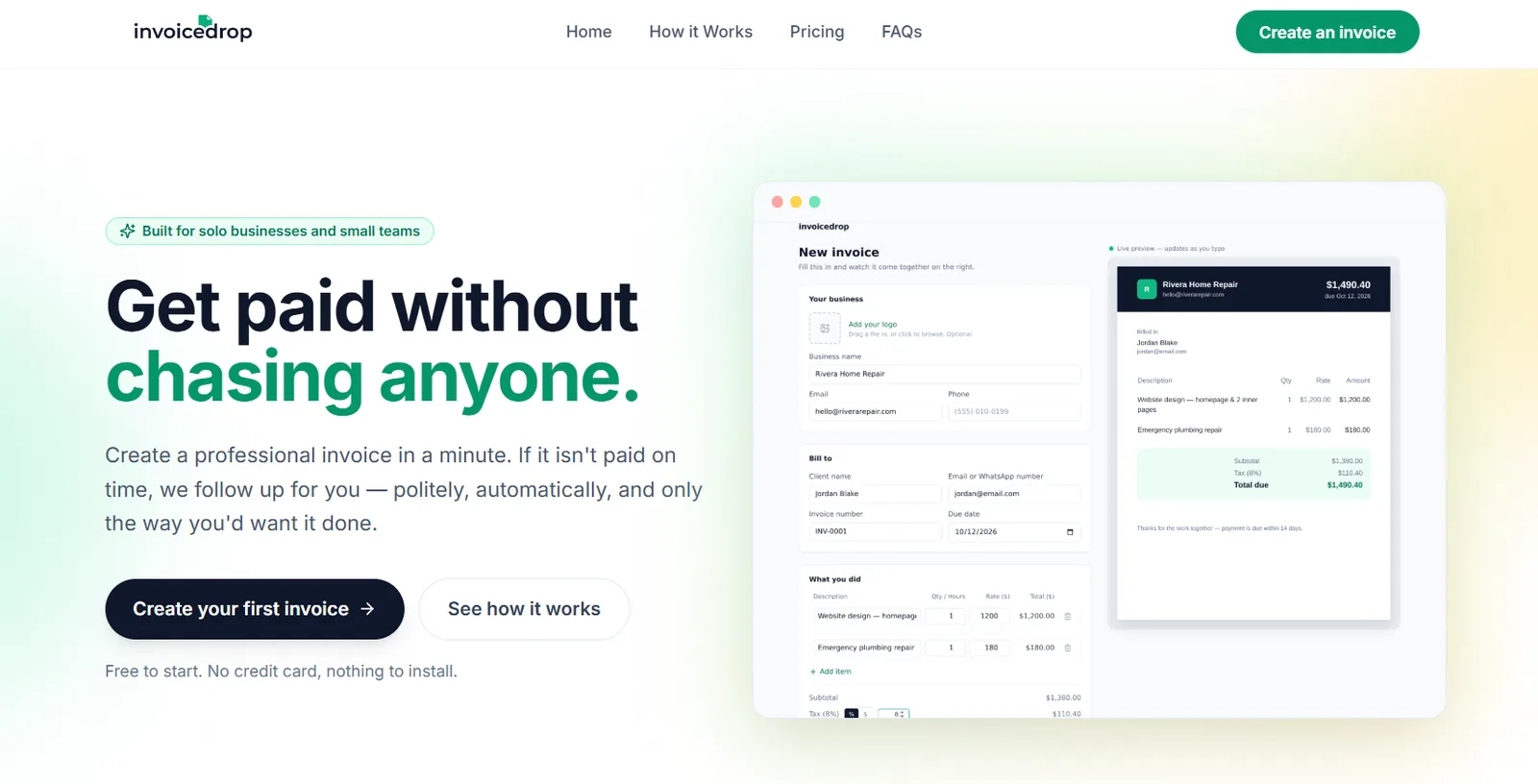
A web app that turns a few typed lines into a professional invoice, then chases late payments so the owner doesn’t have to.
- Client
- Own product
- My role
- Design, development and automation
- Timeline
- [Start month] – ongoing
- Stack


 Resend
- Live site
- invoicedrop.app
The problem
Making the invoice is quick. Getting paid is the slow part.
For a freelancer or a one-person service business, the invoice takes minutes. The follow-up takes weeks: the polite nudge, the second nudge, the awkward third message to a client who has gone quiet.
Most invoicing tools stop at “sent”. [One sentence in your own words on what you saw that made you build this.]
InvoiceDrop covers the part after “sent”.
The solution
One page to build it. One switch to chase it.
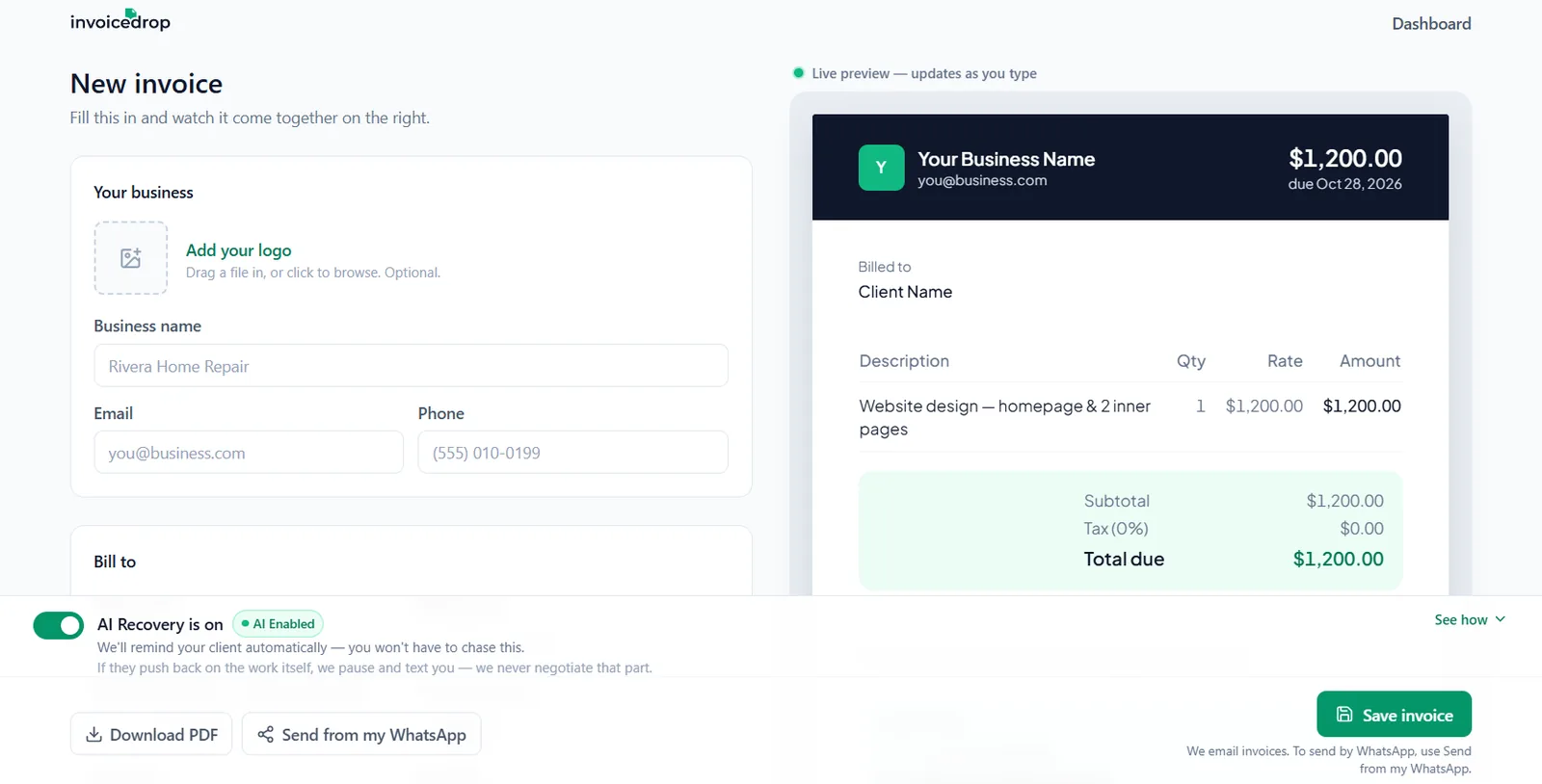
The builder has a form on the left and a live preview on the right, so the invoice takes shape as you type. No account is needed to try it. Once it’s saved, an AI Recovery switch handles reminders for overdue invoices. Nothing goes out until the owner approves it, and clients can opt out in one click.
- 01BuildFill in the form and watch the invoice appear. Add a logo, pick one of three styles, set tax or VAT.
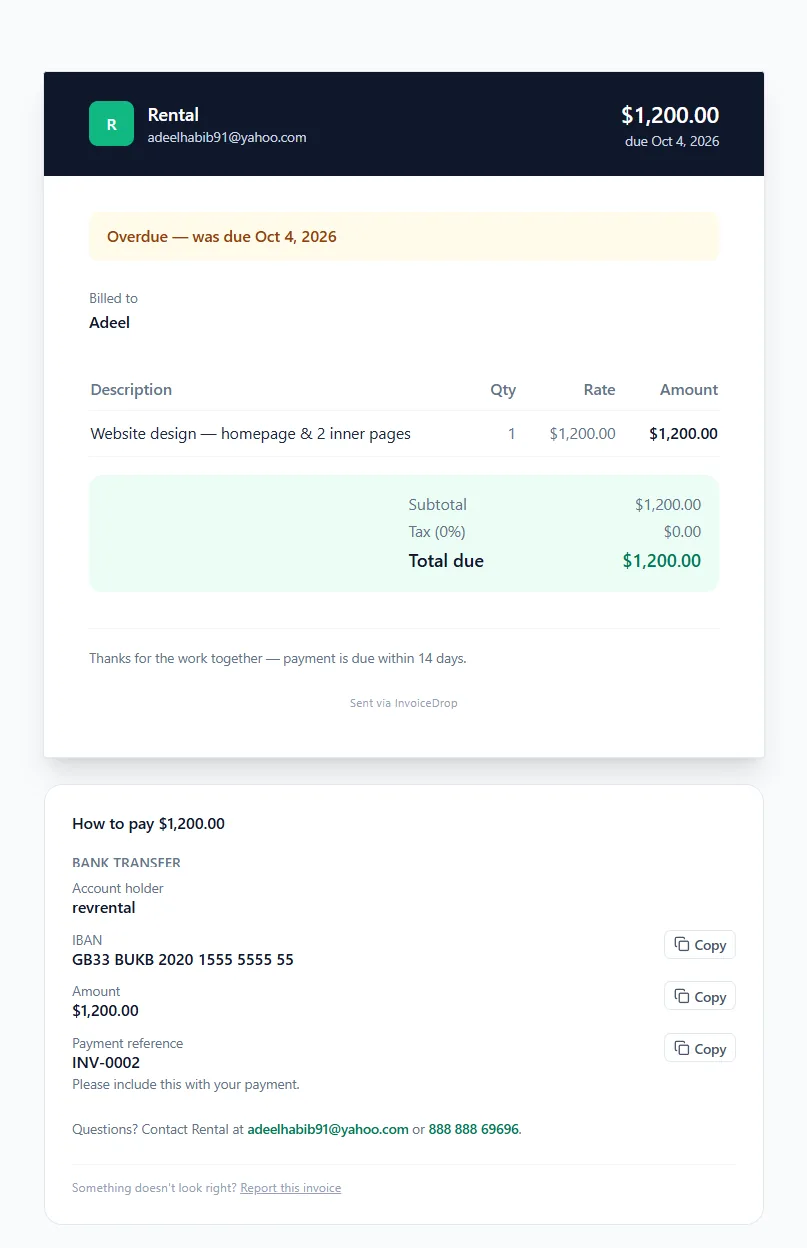
- 02SendThe client gets an email and a private payment page with bank details, a payment link and a SEPA QR code.
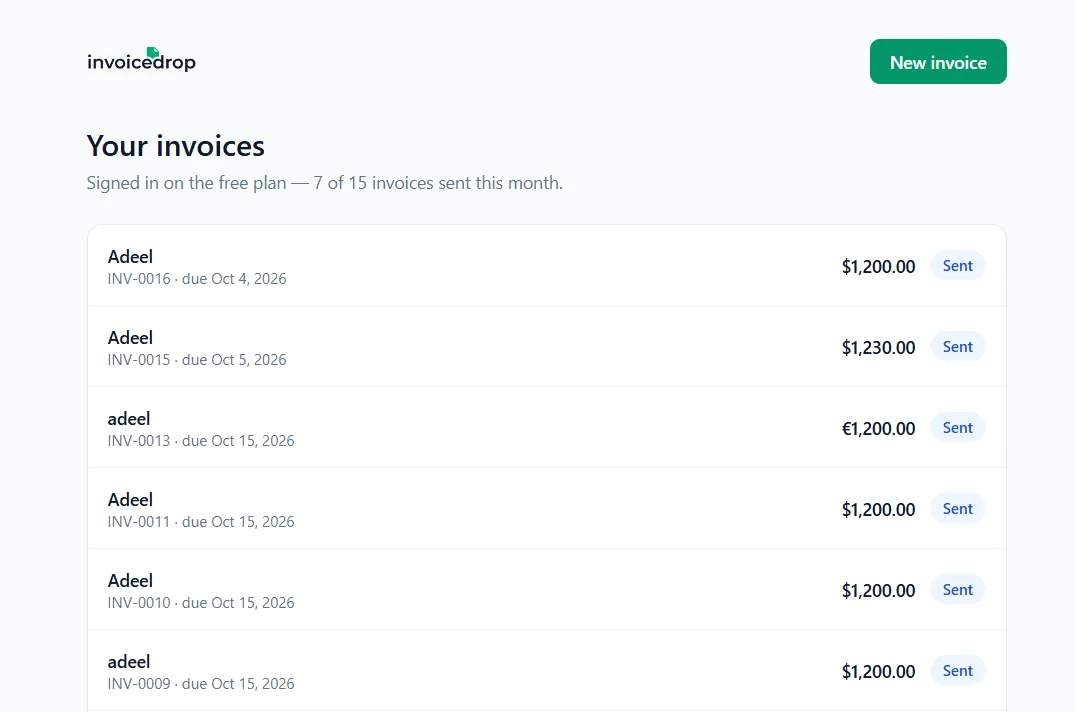
- 03Follow upIf the invoice goes overdue, InvoiceDrop drafts the reminder. The owner approves it before it sends.
Project screens

The outcome
Live, and being tested before launch.
InvoiceDrop is deployed at invoicedrop.app and in testing with [number] early users. [Add one honest line about what testers have said or what you’ve learned so far.]
EVA Worldwide Resorts
Website

Want results like this?
Tell me what's slowing you down. I'll tell you if I can fix it.